PRODUCTION & BRAND SOLUTIONS
SHIMLA, INDIA
Qurost Prints / Small books from A4 paper
One sheet of paper. A book in your hands.
Make notebooks, photo magazines, albums, planners and cards on an ordinary home printer. Qurost Prints lays out the pages, puts them in the right order and adds the cut and fold marks. You print, fold and staple.
Access is by invitation. Get in touch.
The clever part
Page 8 prints next to page 1. That's the trick.
A stapled book is a stack of sheets, folded in half and tucked inside each other. So the pages can't print in reading order. The cover shares a sheet with the back cover. Page 2 shares one with page 7.
Working that out by hand is where home-made books usually go wrong. Qurost Prints does it for you, every time you print.
From an idea to a book
Three steps. No design skills needed.
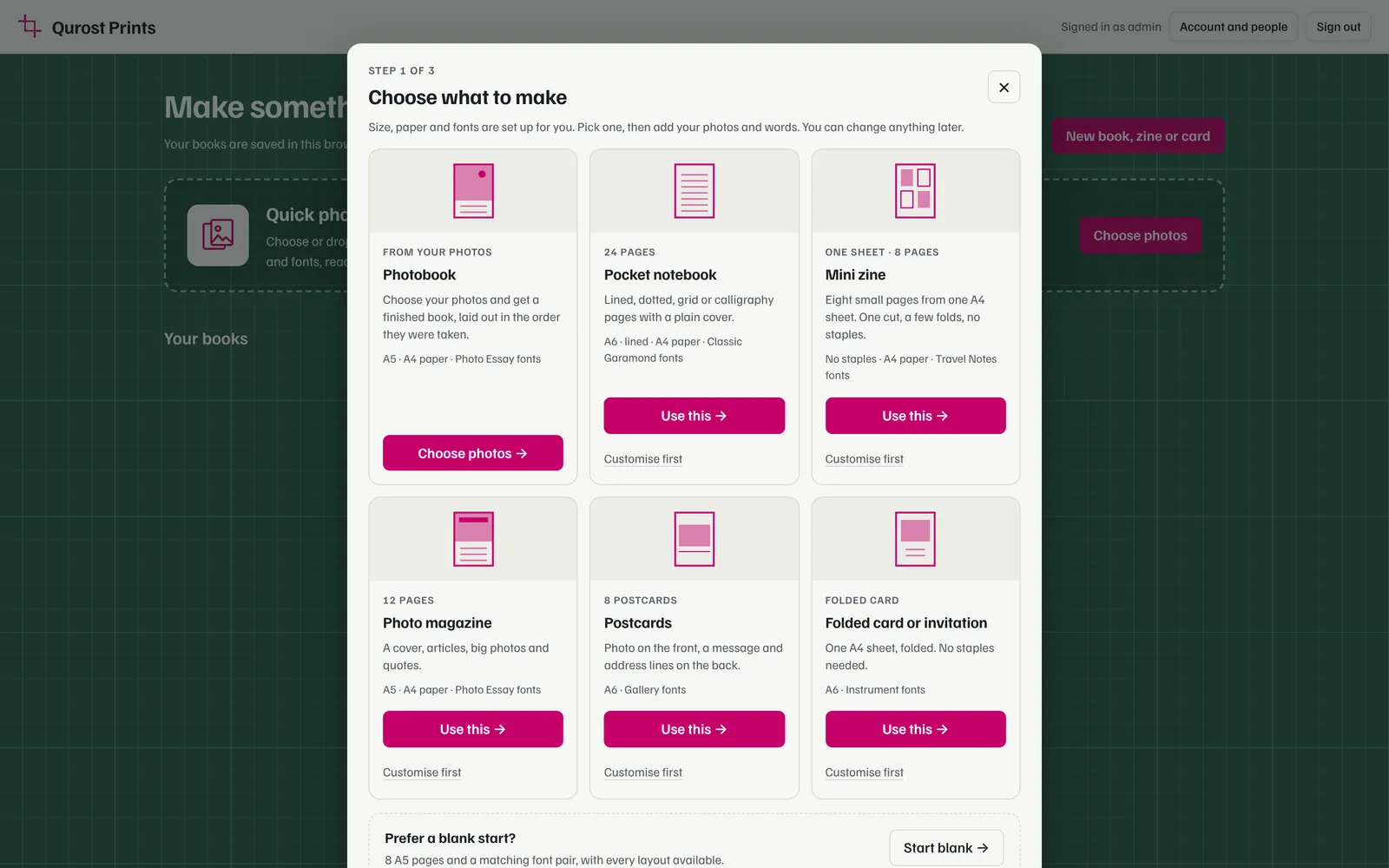
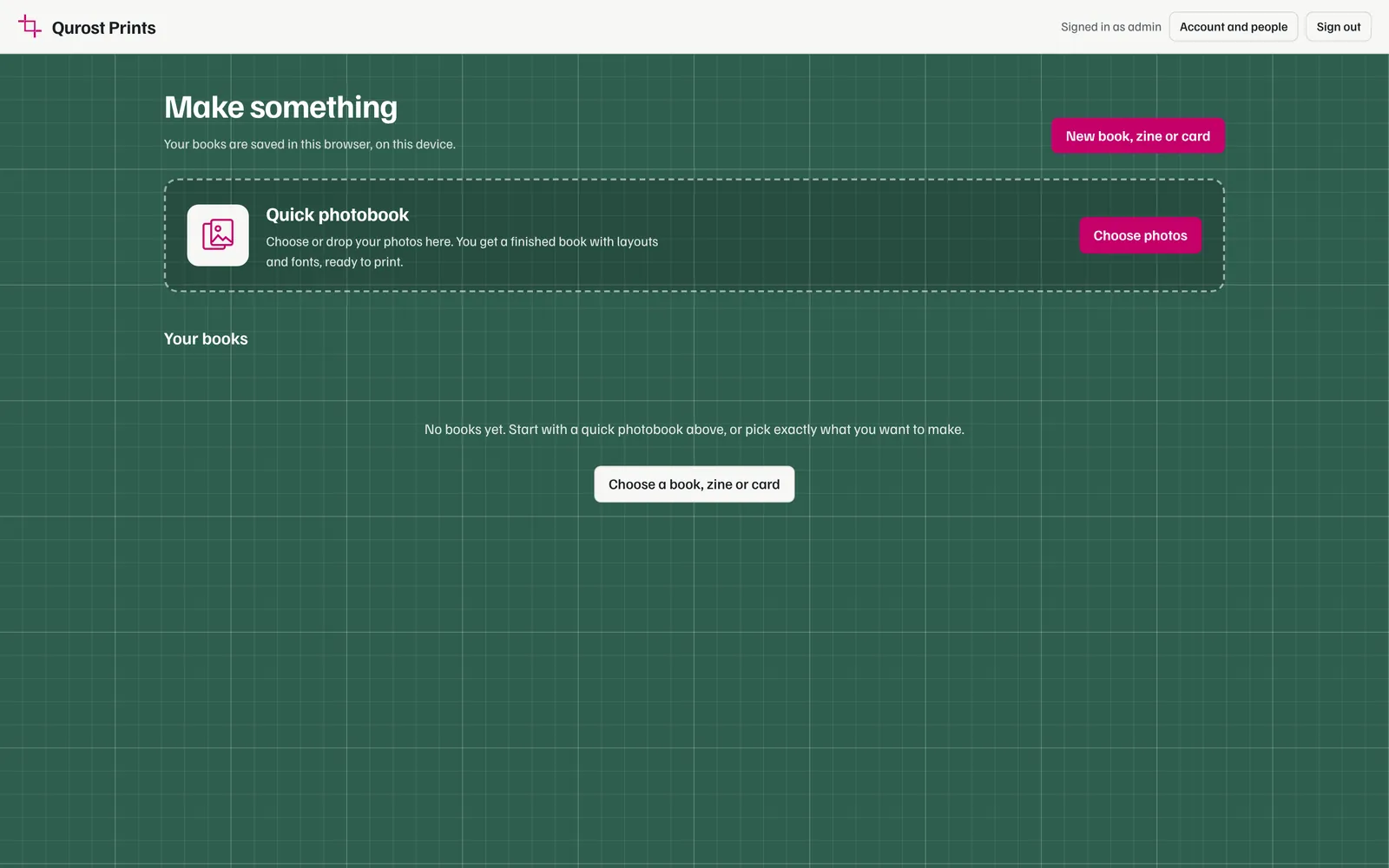
Choose what you're making.
Pick a notebook, a magazine, an album, a planner, a zine or a card. Answer a few questions and a ready book appears, with pages laid out and dates filled in.
Make it yours.
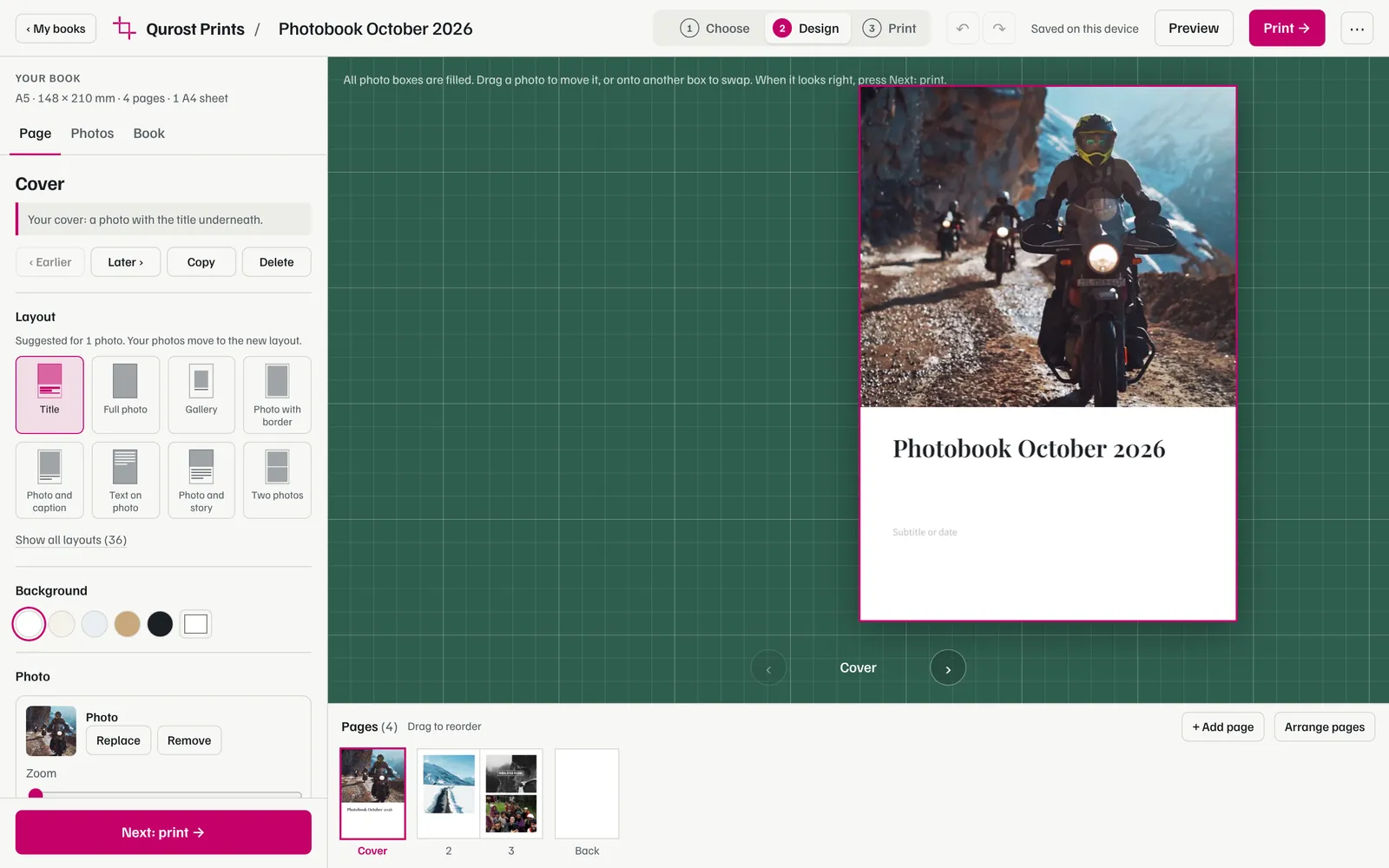
Drop in photos and type your words. Change layouts, move and resize anything, try fonts side by side. Everything you see is what will print.
Print, fold, staple.
Export one PDF and print it double-sided at actual size. Cut on the marks, fold on the dotted lines, nest the sheets and staple the spine.
What you can make
Books, cards and sheets. All from A4.
Stapled and folded books
Cards and sheets
Made for paper
Every millimetre. Accounted for.
- Crop and fold marks
- Printed just outside each page, so you know exactly where to cut and where to fold.
- Bleed
- Photos and colours run 2 or 3 mm past the edge, so a slightly crooked cut never leaves a white line.
- A test sheet
- One page with numbered crosses and a 100 mm ruler. It shows whether your printer prints at true size and lines up the front and back.
- Real sizes
- A5, A6, square and your own sizes. Paste-in guides for 6 × 4 and Instax prints come out at exactly the size of the print.
Inside the editor
Simple to start. Room to play.
Free-form pages
Drag boxes anywhere and resize them. They snap to the margins, the centre and each other. Add shapes, hearts, stars and washi tape.
Photos that fit
Move, zoom, rotate and flip each photo. Brighten it, go black and white, or add a white border, a shadow or photo corners.
Try fonts side by side
See your own title and text in twelve font pairings at once, then apply the one you like to a page or the whole book.
A contents page that writes itself
Every page with a heading is listed with its page number, and the list updates as you move pages around.
Book details and ISBN
The formal page at the front of a published book: copyright, edition, publisher, price and a scannable ISBN barcode.
QR codes
Link a page to a video, a map or a website. Readers point their phone at the page and it opens.
From your desk to a customer
Know your cost. Set your price.
- Cost and price calculator. Enter what your paper and ink cost. Prints measures how much ink your actual pages use and suggests a price.
- Watermarked proofs. Send a customer a preview PDF they can check but can't print cleanly.
- Cover on card. The cover comes out as its own file, so you can load thicker paper for it.
- Print-shop PDF. Full size with bleed and crop marks, for jobs too big for your own printer.
Example
12-page A5 photo magazine
- Paper, 3 A4 sheets
- ₹4.50
- Ink, about 19% coverage
- ₹34.90
- Staples and packing
- ₹5.00
- Your time, 5 minutes
- ₹10.00
- Cost per copy
- ₹54.40
- Suggested price, 40% margin
- ₹80
Private by design
Your books. Your browser.
Invitation only
Everyone signs in with their own username and password. The owner adds and removes people.
Photos stay with you
Books and photos are saved in the browser you made them in. Nothing is uploaded to a server.
Take it with you
Save a book as a project file to back it up or open it on another computer.
A few good questions
Before you print.
Do I need a special printer?
No. Any A4 printer works. One that prints on both sides by itself saves time, but you can also print the fronts, turn the stack over and print the backs.
What paper should I use?
Ordinary 80 to 100 gsm paper is fine for the inside pages. For a sturdier cover, print the cover file on 200 to 250 gsm card. Photo prints look best on photo paper.
How thick can a book be?
About 12 folded sheets, which is 48 pages, staples comfortably. A long-reach stapler makes it easier. Prints warns you when a book gets too thick.
Why are the pages smaller than A5?
An A4 sheet is exactly two A5 pages, so there's no room left for crop marks or the printer's margin. Prints scales pages down slightly to fit. Turn off the marks and the margin if your printer can print right to the edge.
Can I make things to sell?
Yes. Use the cost calculator to price them, send customers a watermarked proof, and use the print-shop PDF for bigger runs.
How do I get access?
Prints is available by invitation. Email hello@qurost.com and tell us what you'd like to make.
Your next book is one sheet away
Print something worth keeping.
Or write to hello@qurost.com