
08 · Run a business
Tinmo’s Menu StudioThe café menu, as a folded illustrated booklet.
Menu Studio is where Tinmo’s menu is written, priced and illustrated. Edit dishes and prices, place the drawings, and export a clipboard menu or a folded A4 booklet for the printer.
- 110 illustrations
- Saved versions
- Made for Tinmo’s
Designed and built by Himanshu Khagta at Qurost
01
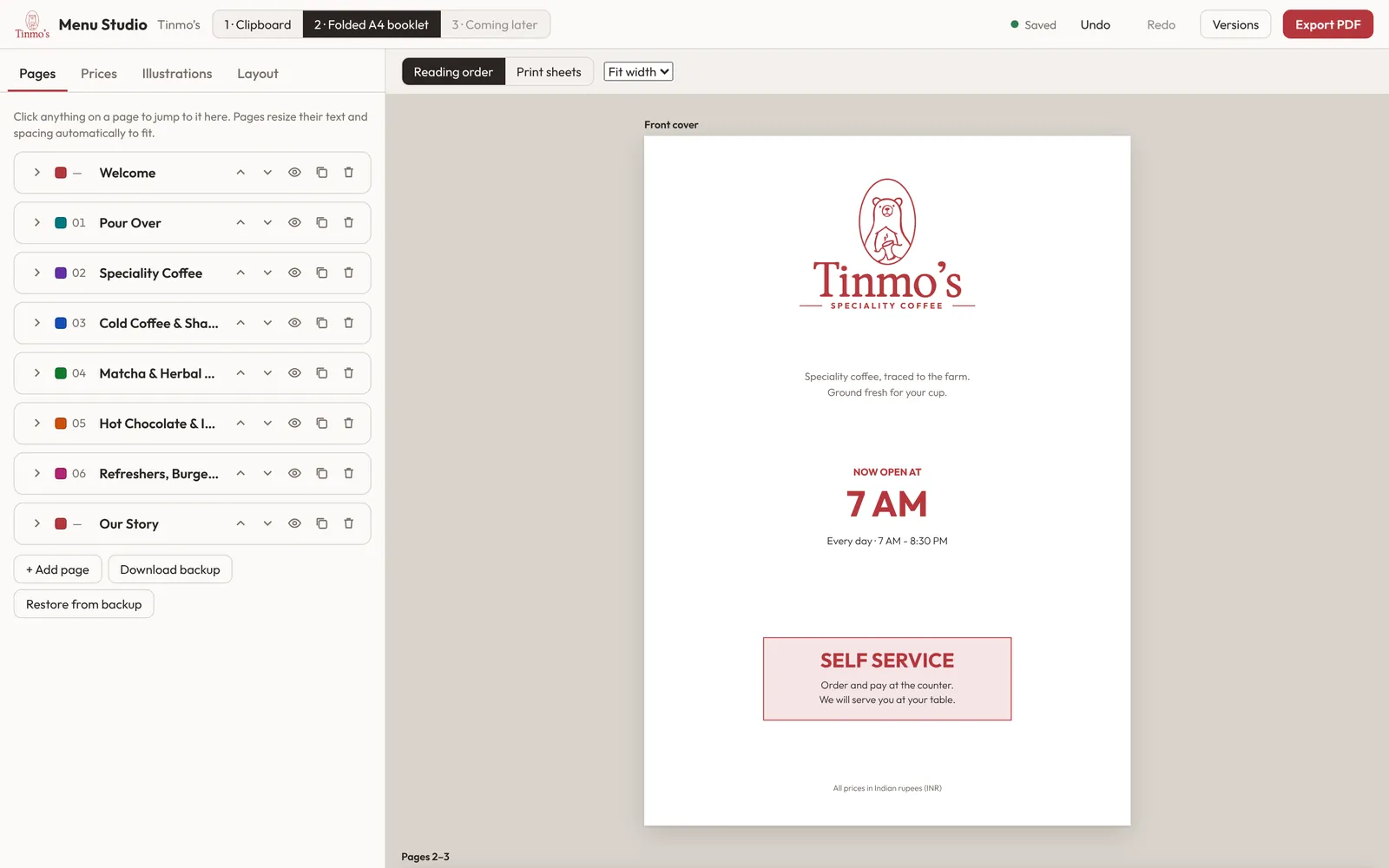
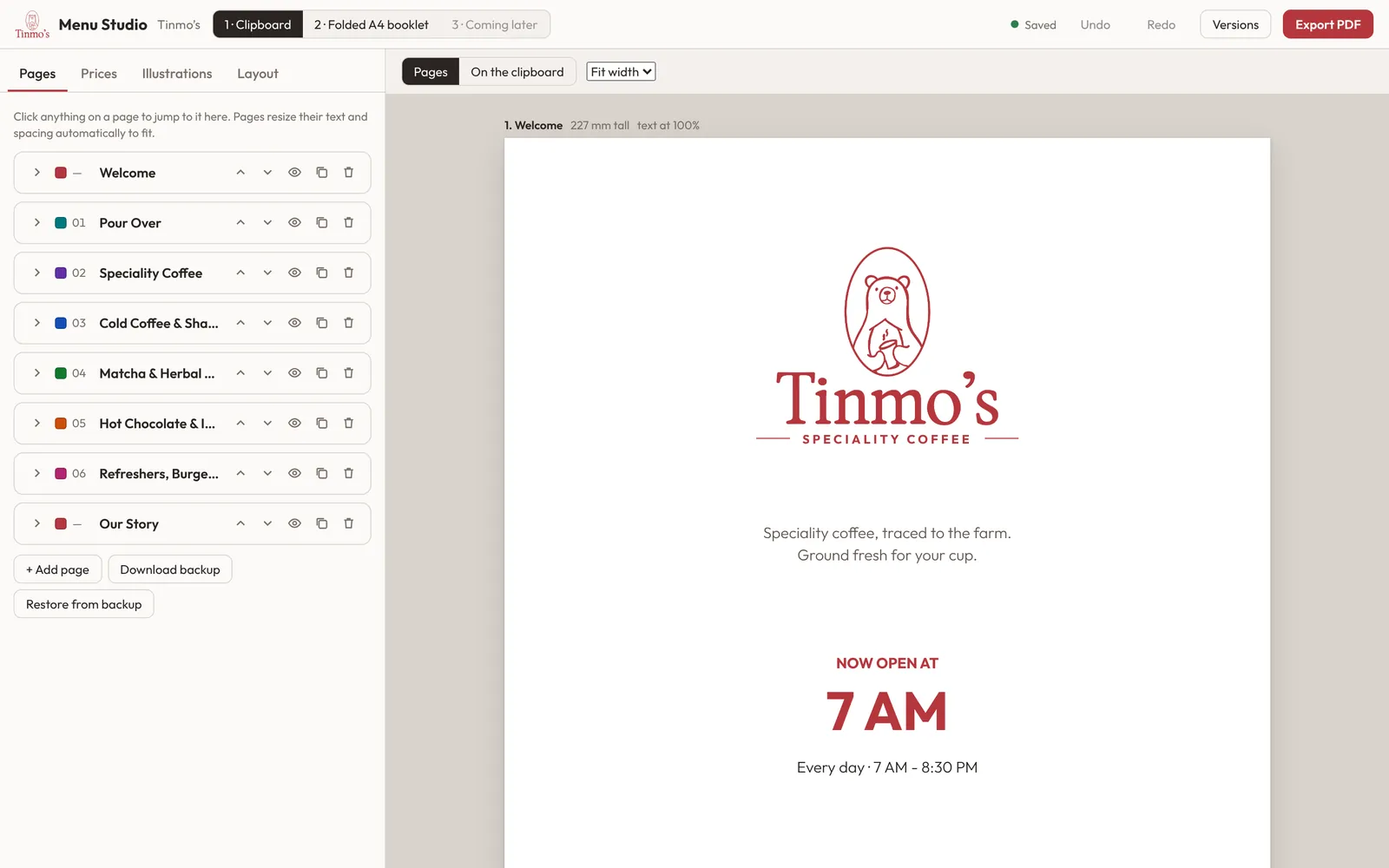
A clipboard menu and a folded booklet
The same menu comes out two ways: single pages for the clipboard, or a folded A4 booklet with reading order and print sheets worked out.
- Welcome, coffee, matcha, hot chocolate, food and story pages
- Fit-width preview
- Export for print
02
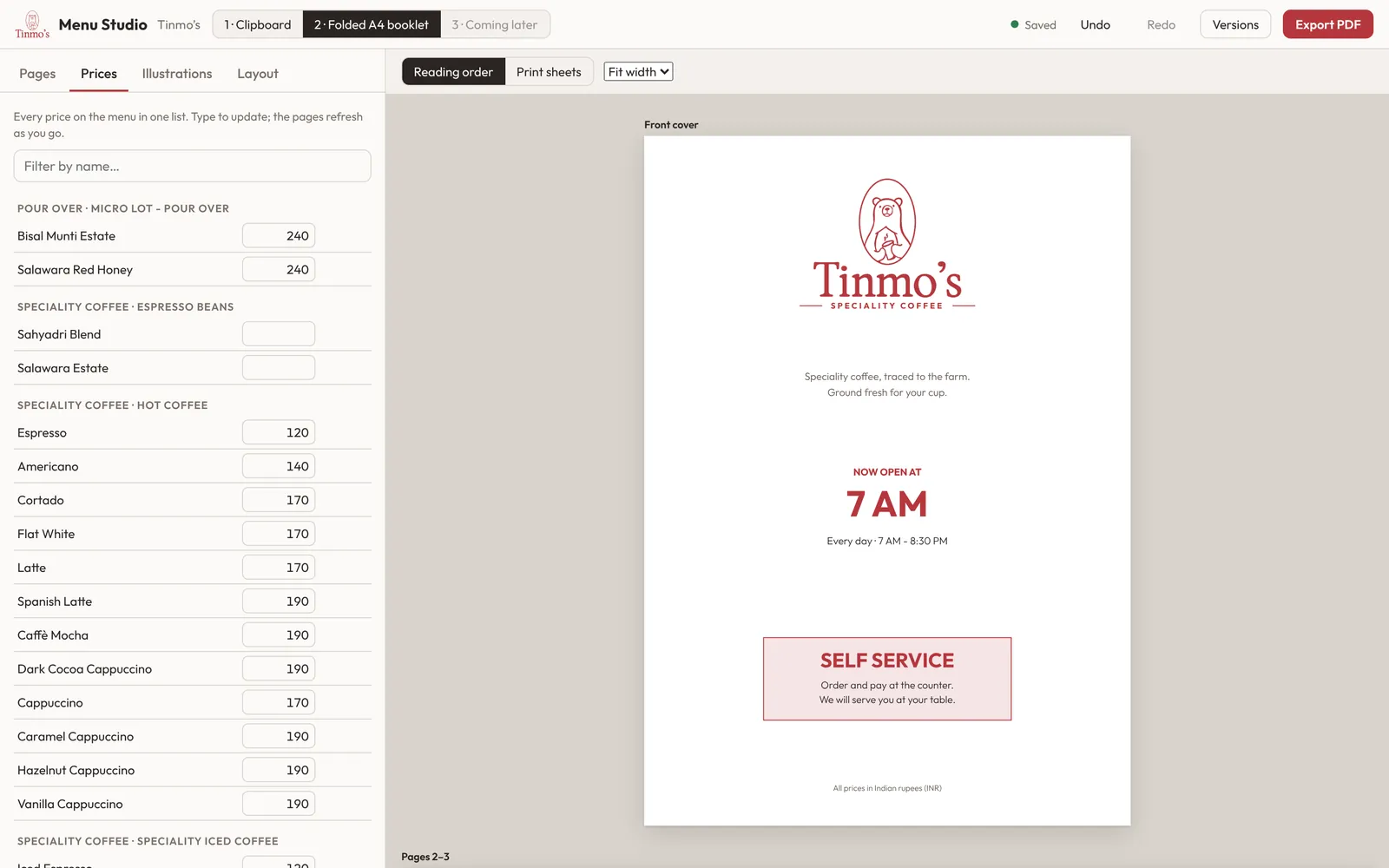
Prices in one place
Every item and price sits in one list. Change a price once and every page that shows it updates.
- Grouped by section
- Search by name
- Text and spacing fit automatically
03
Drawings that belong to the café
The illustration library holds Tinmo’s drawings at print resolution, from pour-over to the namaste bear. Save versions before big changes and go back any time.
- 110 drawings, backgrounds removed
- Versions and backups
- Saved on the café’s own server
How it works
Three steps.
- 1
Edit pages and prices
Click anything on a page to change it.
- 2
Place the drawings
Pick from the library.
- 3
Export the PDF
Clipboard pages or a folded booklet.
Good to know
- Made for
- Tinmo’s Speciality Coffee
- Outputs
- Clipboard pages · folded A4 booklet
- Saves
- On the café’s server, with versions
- Access
- Tinmo’s team