
01 · Create
Qurost SlidesCarousels in your own visual language.
Slides turns photographs and a few words into Instagram carousels and stories that look like they came from one hand. Two brand kits are built in: Tinmo’s coffee posts and Himanshu Khagta’s editorial photo stories. Formerly Qurost Studio.
- Instagram posts and stories
- Photos stay in your browser
- By invitation
Designed and built by Himanshu Khagta at Qurost
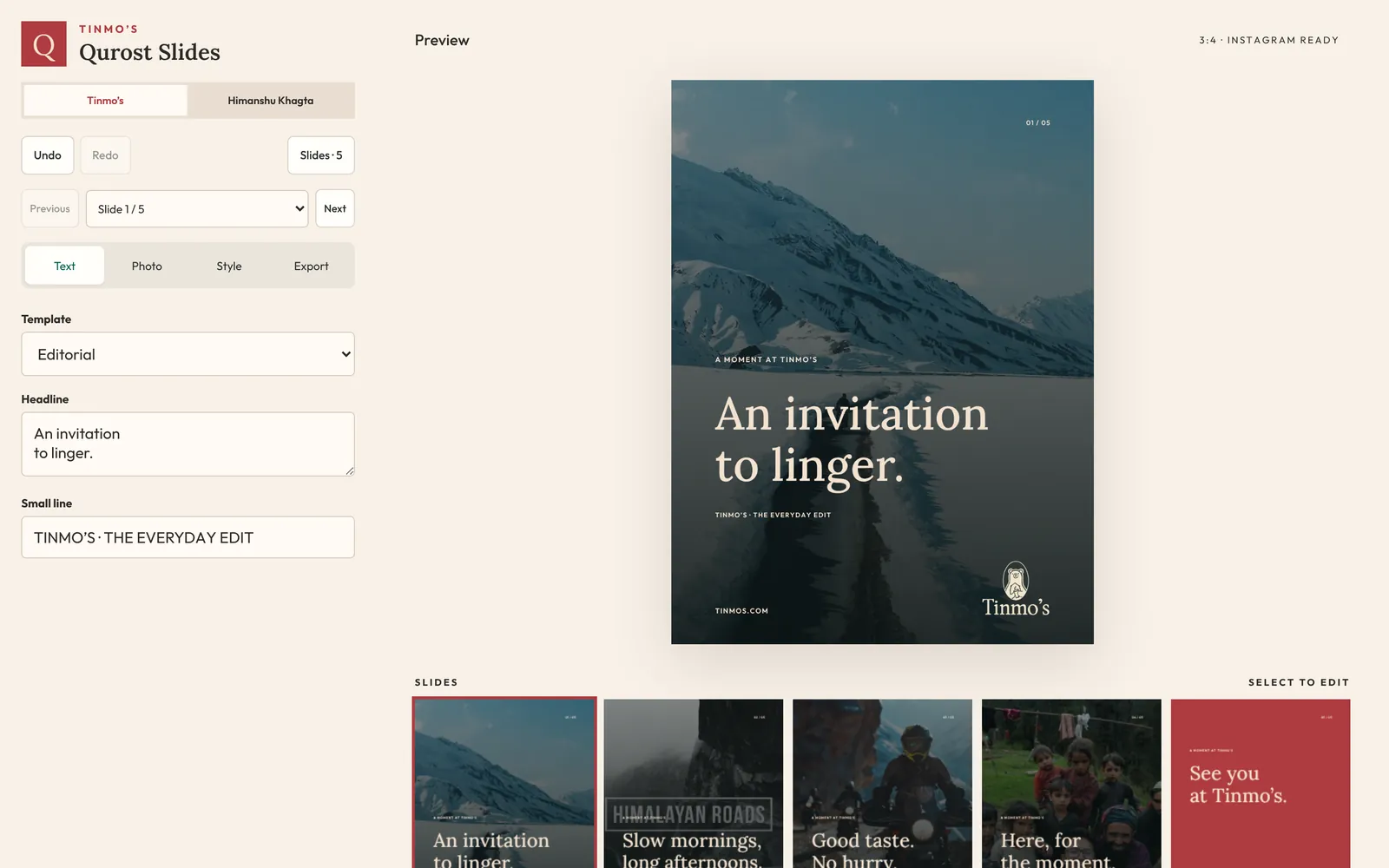
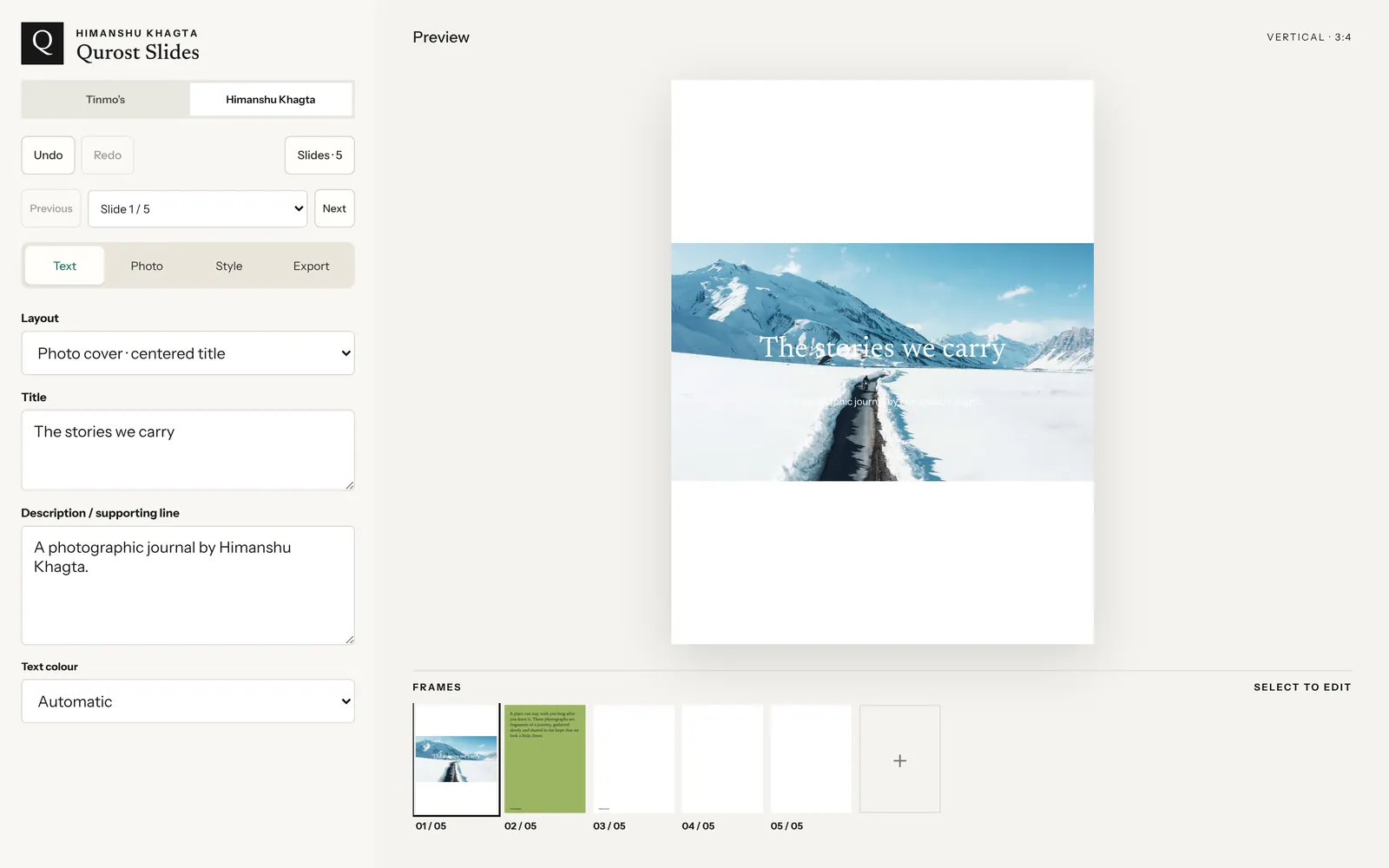
Templates that already know the brand
Pick a template and the type, colours and illustration are already right. Tinmo’s library covers new microlots, origin stories, pour-over guides, tasting notes, hours updates and event invitations, with the Tinmo’s bear drawn in.
- Lora or Outfit type styles
- Photo fades with adjustable strength
- Fourteen bear illustrations to place and size
Photo stories with room to breathe
The Khagta kit is built for photographs first: a cover with a centred title, an editorial reading page, a description page, and two- or three-photo layouts for the website and Stories.
- Full view, equal borders or fill-the-frame framing
- Drag the picture to place it
- Vertical, Story and horizontal formats
How it works
Three steps.
- 1
Add photographs
Drop in JPEG, PNG or WebP files. They never leave your computer.
- 2
Choose and write
Pick a template for each frame and type the headline and small line.
- 3
Download the set
Export all frames at 1080 px, ready to post in order.
Good to know
- Formats
- 1080 × 1440 post · 1080 × 1920 story · 1080 × 566 horizontal
- Brand kits
- Tinmo’s · Himanshu Khagta
- Where it runs
- In the browser, on a laptop or tablet
- Access
- By invitation