
04 · Print & keep
Qurost KitabA paper studio for books you can hold.
Choose a book, add your photographs and words, and download print-ready pages with folding guides. Full-page photo books, 8-page magazines, 100-page notebooks and one-sheet zines, printed on A4 at home.
- A4 paper, home printer
- Books saved to your account
- By invitation
Designed and built by Himanshu Khagta at Qurost
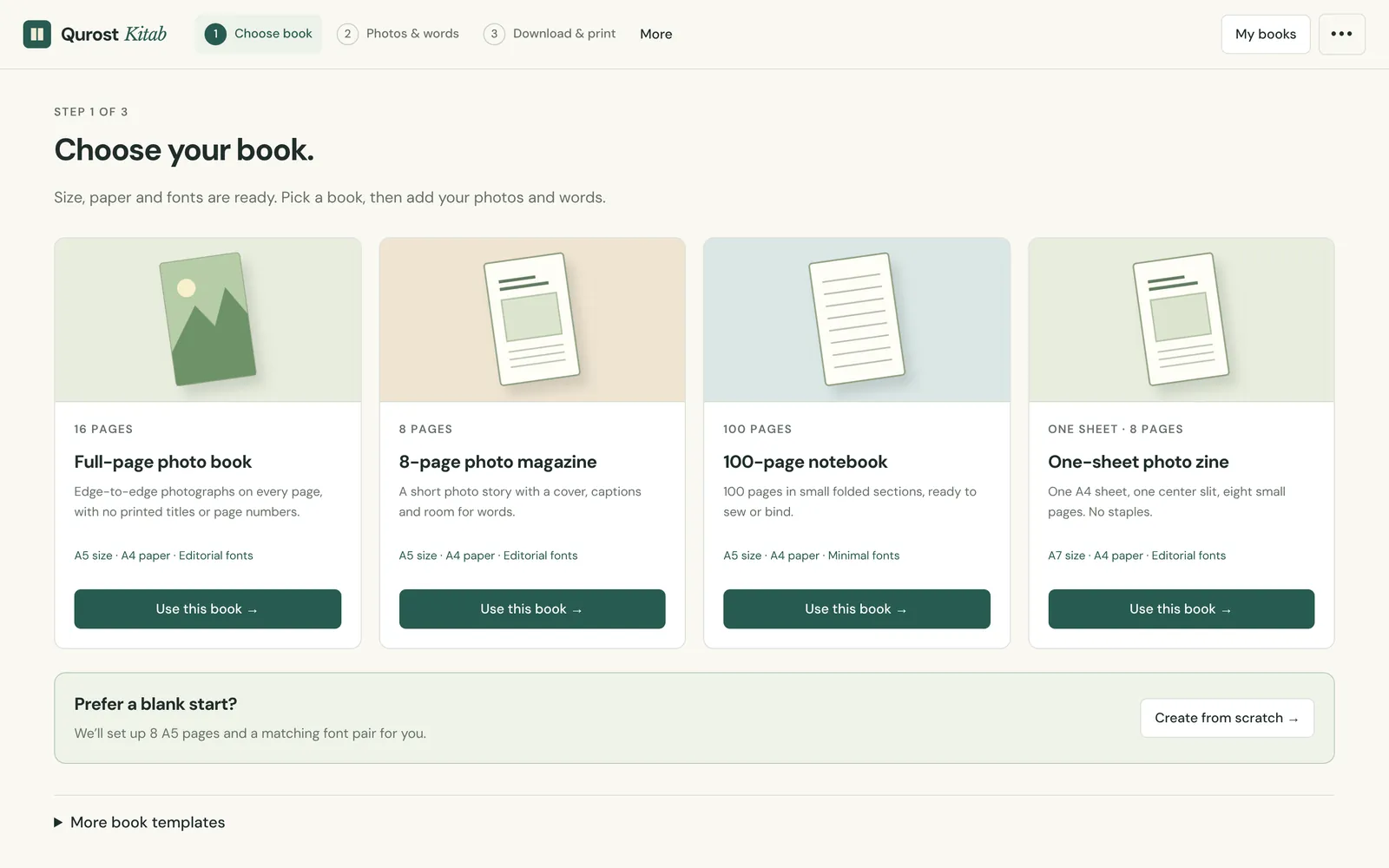
Start from a book that is already set
Size, paper and fonts are chosen for you. Pick a full-page photo book, an 8-page photo magazine, a 100-page notebook or a one-sheet zine, or start from a blank A5 book.
- A5 and A7 sizes
- Editorial or minimal font pairs
- More templates tucked under one click
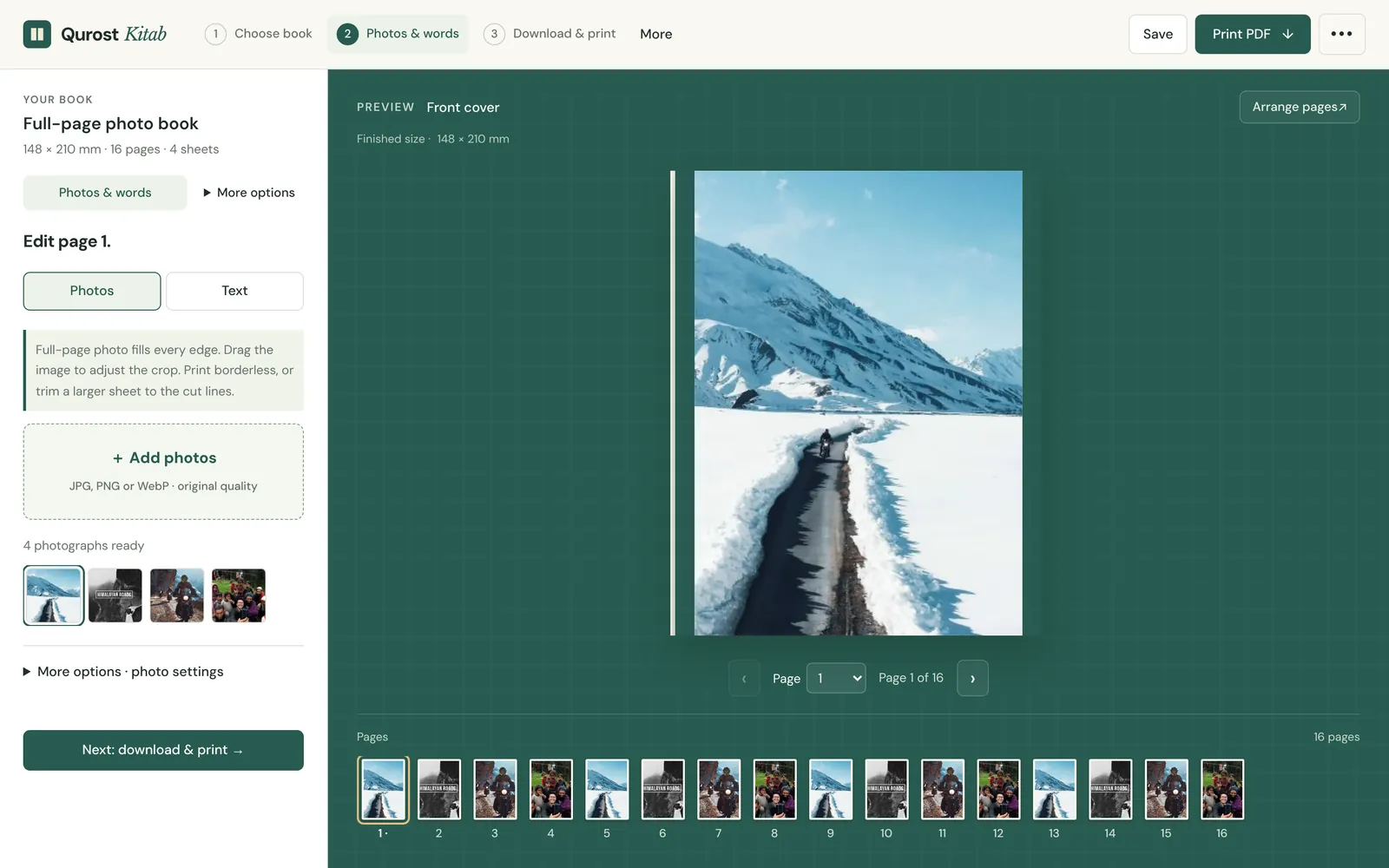
Photos and words, page by page
Add photographs and they fill the book in order. Edit any page, change its words, and drag pages into a new order before you print.
- Full-bleed photo pages
- Delete a page and undo it
- Saved to your account, on every device
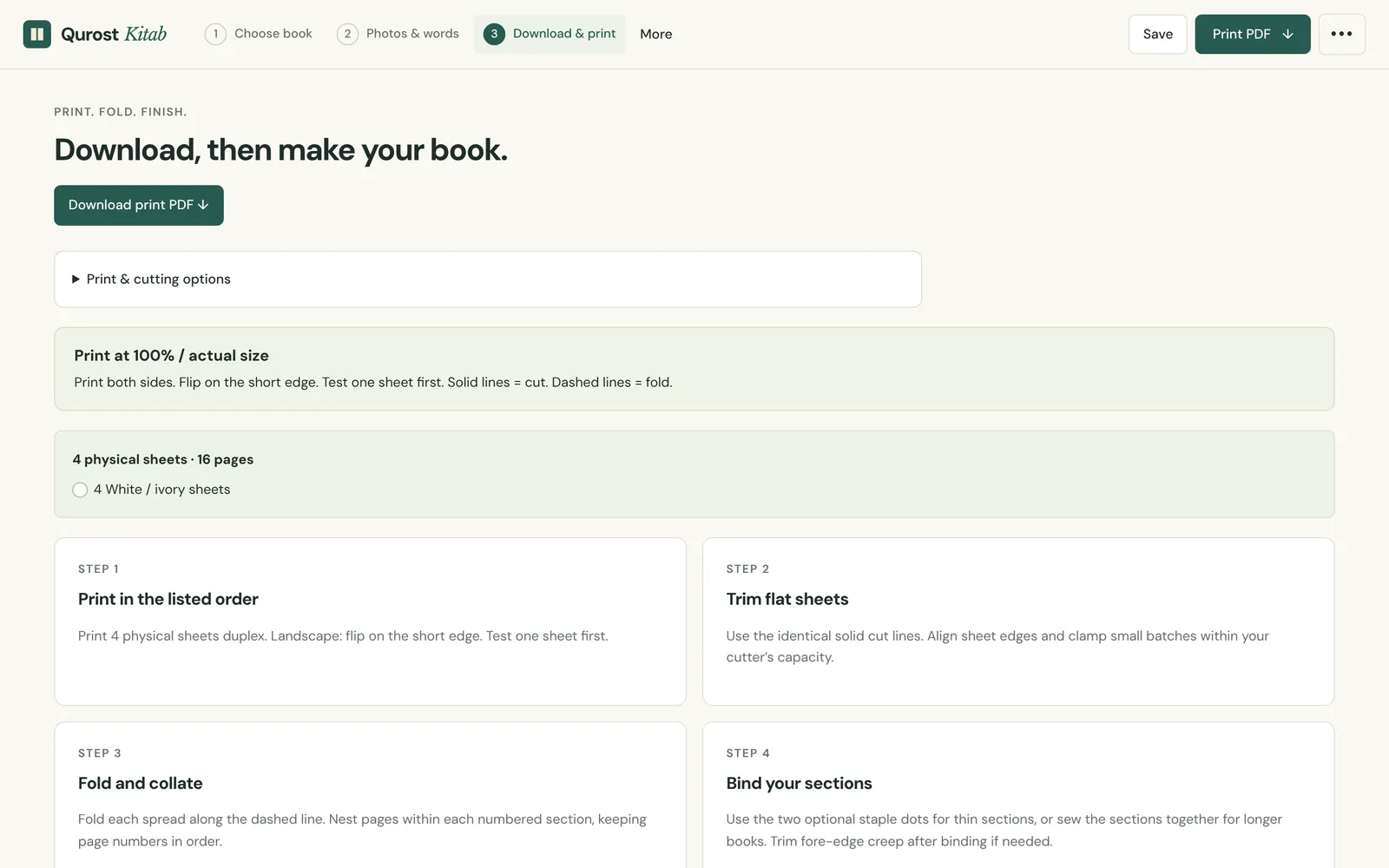
Print, fold, bind
Kitab tells you how: print at 100% on both sides, trim, fold each sheet and bind the sections. Blank space for correct folding is added for you.
- Duplex and folding guides
- Physical sheet count shown
- Fixed zines keep their panel count
How it works
Three steps.
- 1
Choose your book
Four ready books, or a blank start.
- 2
Add photos and words
Fill pages, then arrange them.
- 3
Download and make
Print the PDF, fold and bind.
Good to know
- Paper
- A4, printed at home
- Saves
- To your account, with a cloud copy
- Export
- Print-ready PDF with guides
- Access
- By invitation